Getting Started with Adobe Illustrator: An Intro to Some of the Tools I Use Every Day


Mark Collier, BigBlueLaserDesigns
If you're brand new to Adobe Illustrator, you may have opened the application, saw all of the icons, tools, and options on all sides, and felt overwhelmed! But you can do this, and Mark is here to help! You don't have to know every single tool in Illustrator. You just need to know a few and you can get all kinds of things done. Mark will take you step by step through each of the tools he uses every day, going at a pace that is easy to follow and you'll be creating things before you know it!
0:00 - 1:32 Introduction
1:33 - 4:38 Setting Up a New Document
4:39 - 9:54 Setting Up Your Workspace
9:55 - 13:59 Intro to Artboards
14:00 - 15:21 The Help Feature
15:22 - 20:43 Working with Layers
20:44 - 30:28 The Basics of the Text Tool
30:29 - 35:11 The Basics of the Shape Tool
35:12 - 44:54 Outline View (Strokes, Warp, & More)
44:55 Closing
Additional Tutorials Include:
- Using an Offset Path to Make a Layered Base
- Using an Offset Path to make a Keychain
- Editing Nodes
- Pathfinder Minus Front: Subtracting a Shape From Another Shape
- Making an Ornament Using Pathfinder, Text, and Shapes
...and more!
Mark is a teacher at heart who happens to also run a business, lead conferences, and create content to help people move forward and to succeed. Whether he's on a stage, behind a camera, or in a classroom, his goal is always the same: help you win. You can find him on his website or socials at Big Blue Laser Designs.

Meet the Speaker


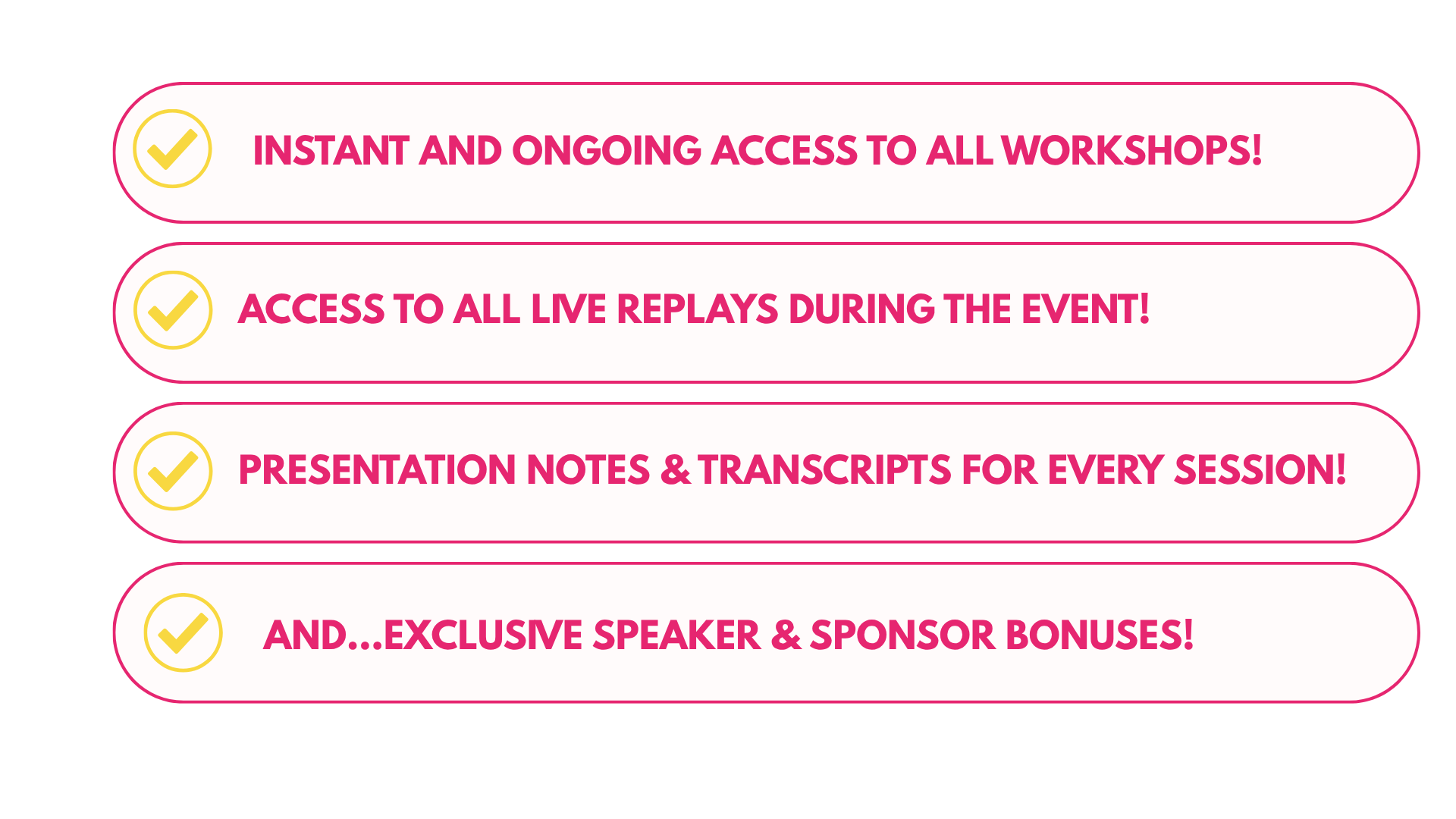
UPGRADE YOUR EXPERIENCE
GET EXTENDED ACCESS
TO EVERY SESSION
with the UV Pro Pass